Chapter 09 · Company admin
Announcements and audit log
Share news with the whole company, and review who did what and when.
Announcements
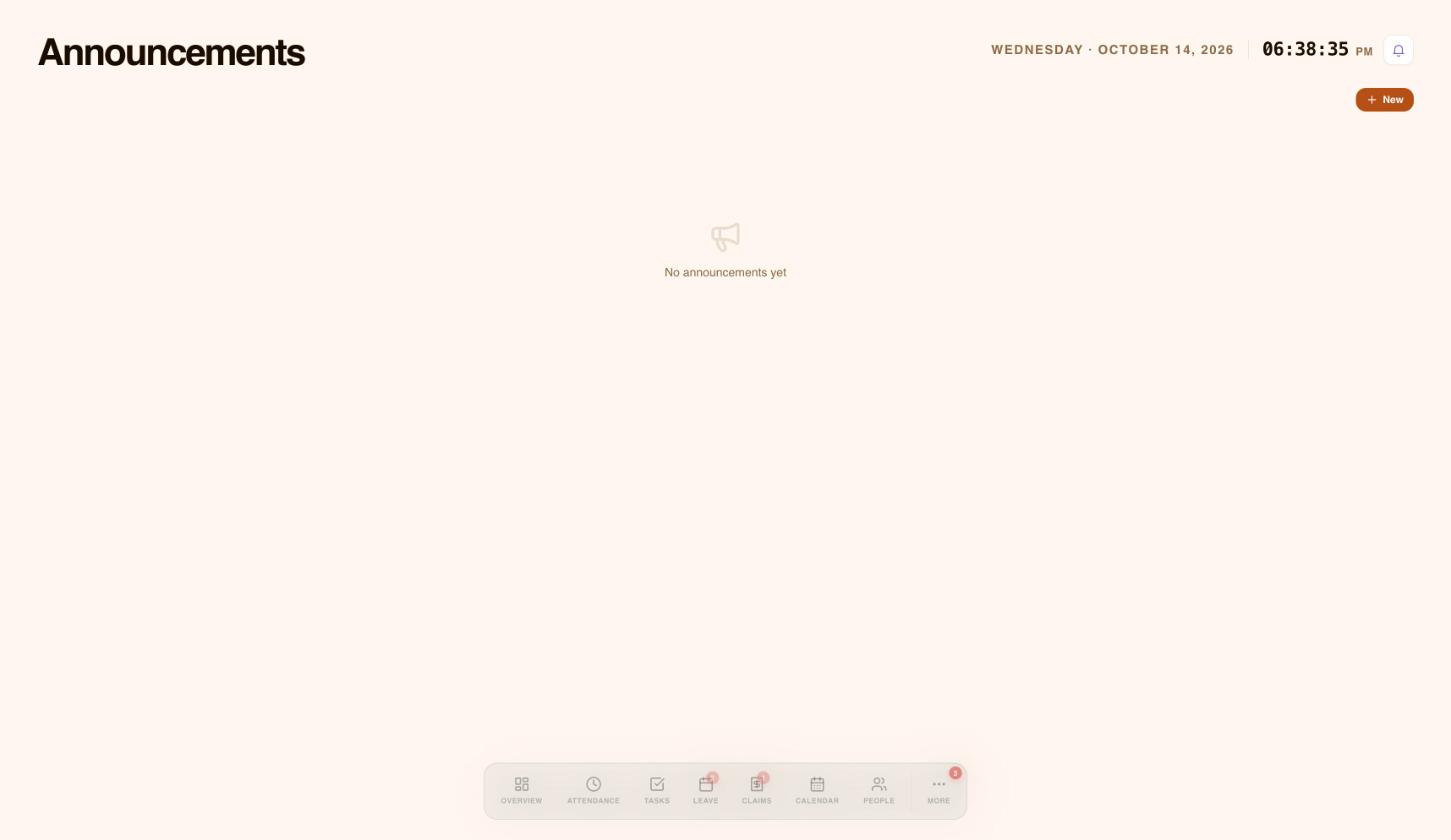
Use Announcements to share news with the whole company, such as a new policy or an office closure.
- Select the bell icon at the top right, then View all announcements.
- Select New.
- Fill in the form that opens to write your message.
 1
1- Write a new announcement.
Audit log
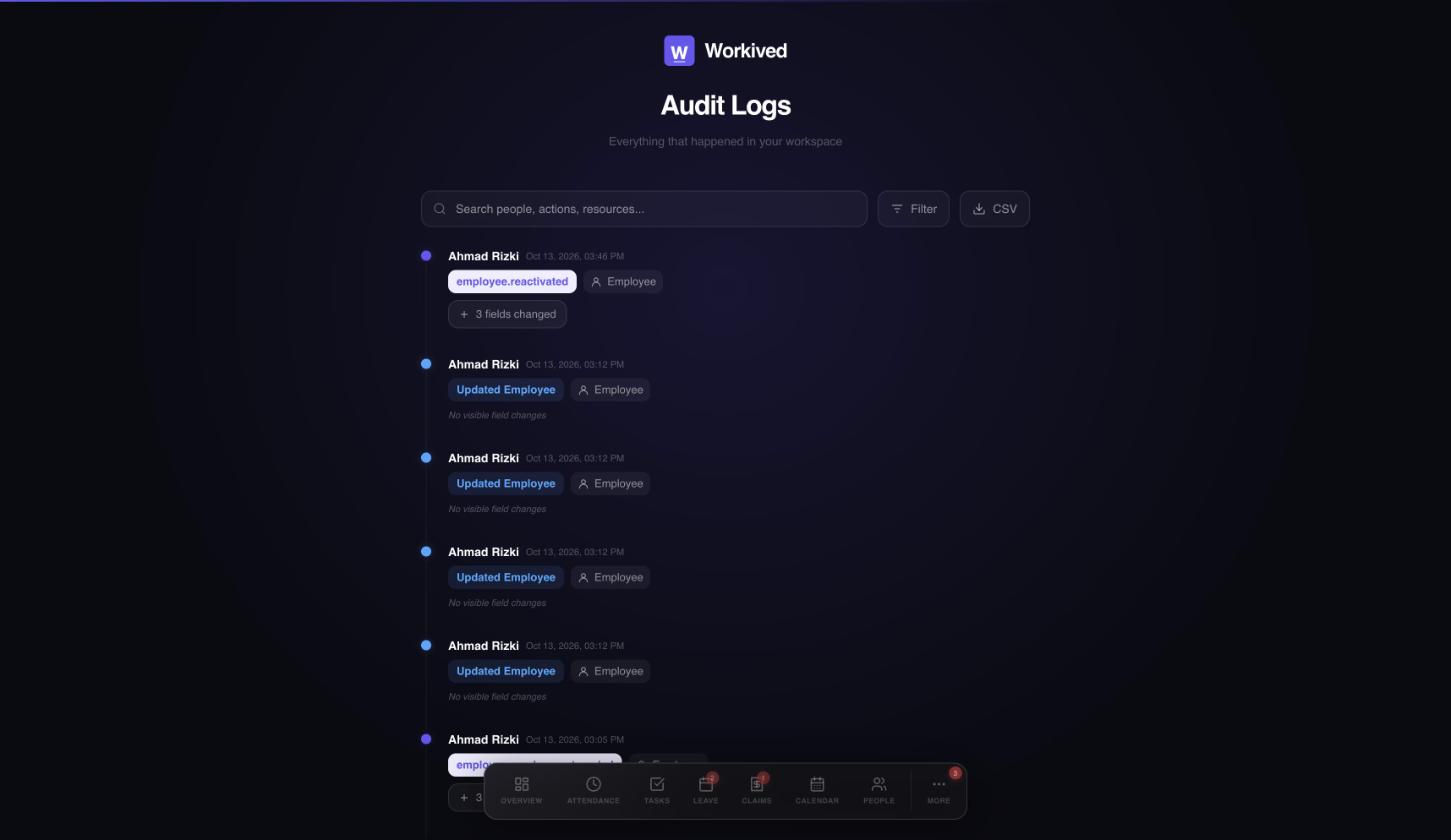
The audit log records everything that happens in your workspace: who changed what, and when. Use it to answer questions such as who ended an employee's employment, or who approved a request.
 1234
1234- Search by person, action or item.
- Filter the list.
- Export to CSV.
- Each entry shows who did what, and when.
Open it from More, then Audit logs.
Need a hand?
Email my@workived.com and we will help you out.