Chapter 08 · Calendar
Calendar
See who is away and when, and add your own company holidays.
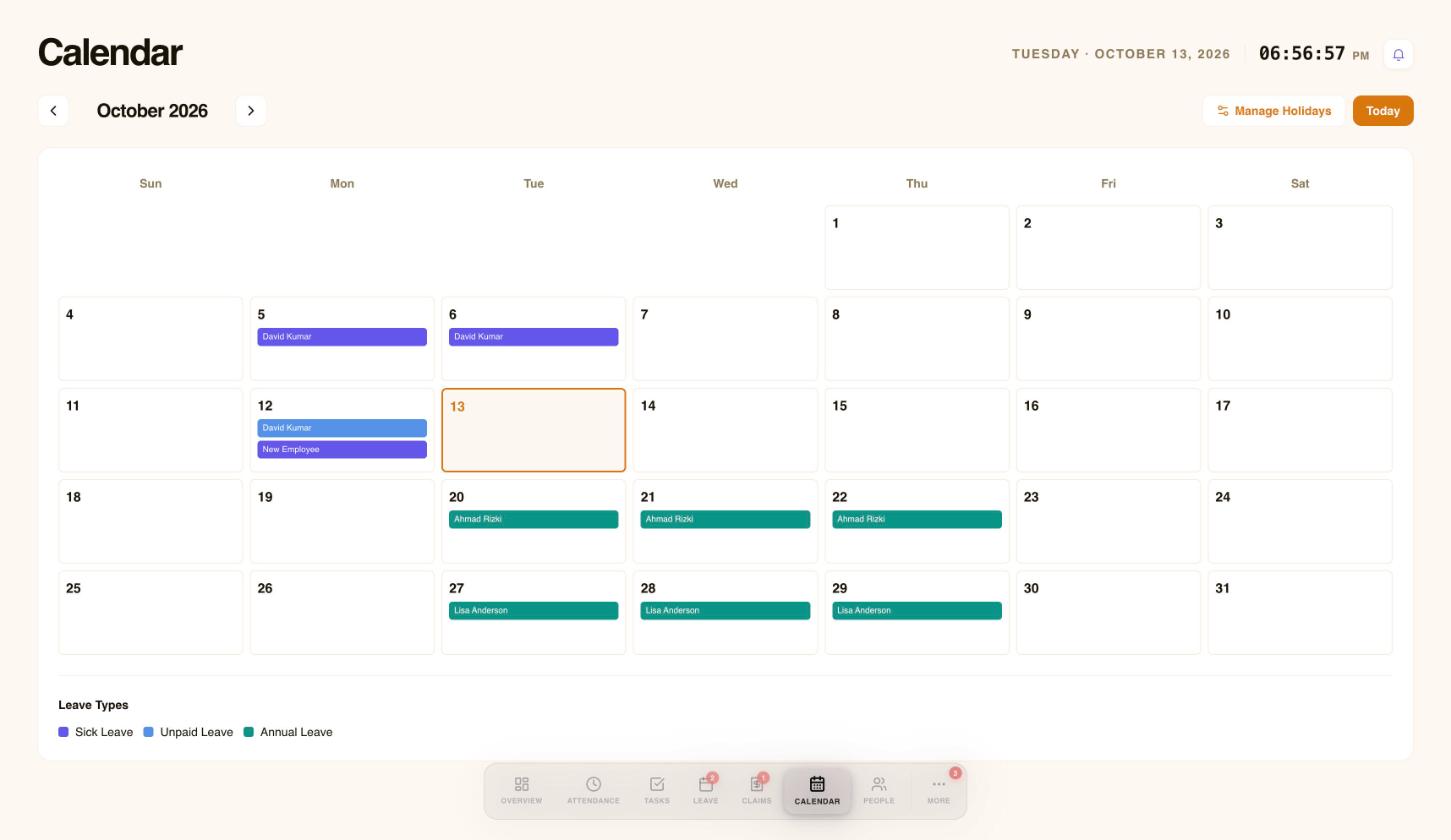
Open Calendar to see who is away and when. Approved leave appears as coloured bars, and the colour key at the bottom tells you the leave type. Select Manage Holidays to review public holidays.
 1234
1234- Move between months.
- Manage public holidays.
- Approved leave shows as a coloured bar.
- Colour key for leave types.
Add your own holidays
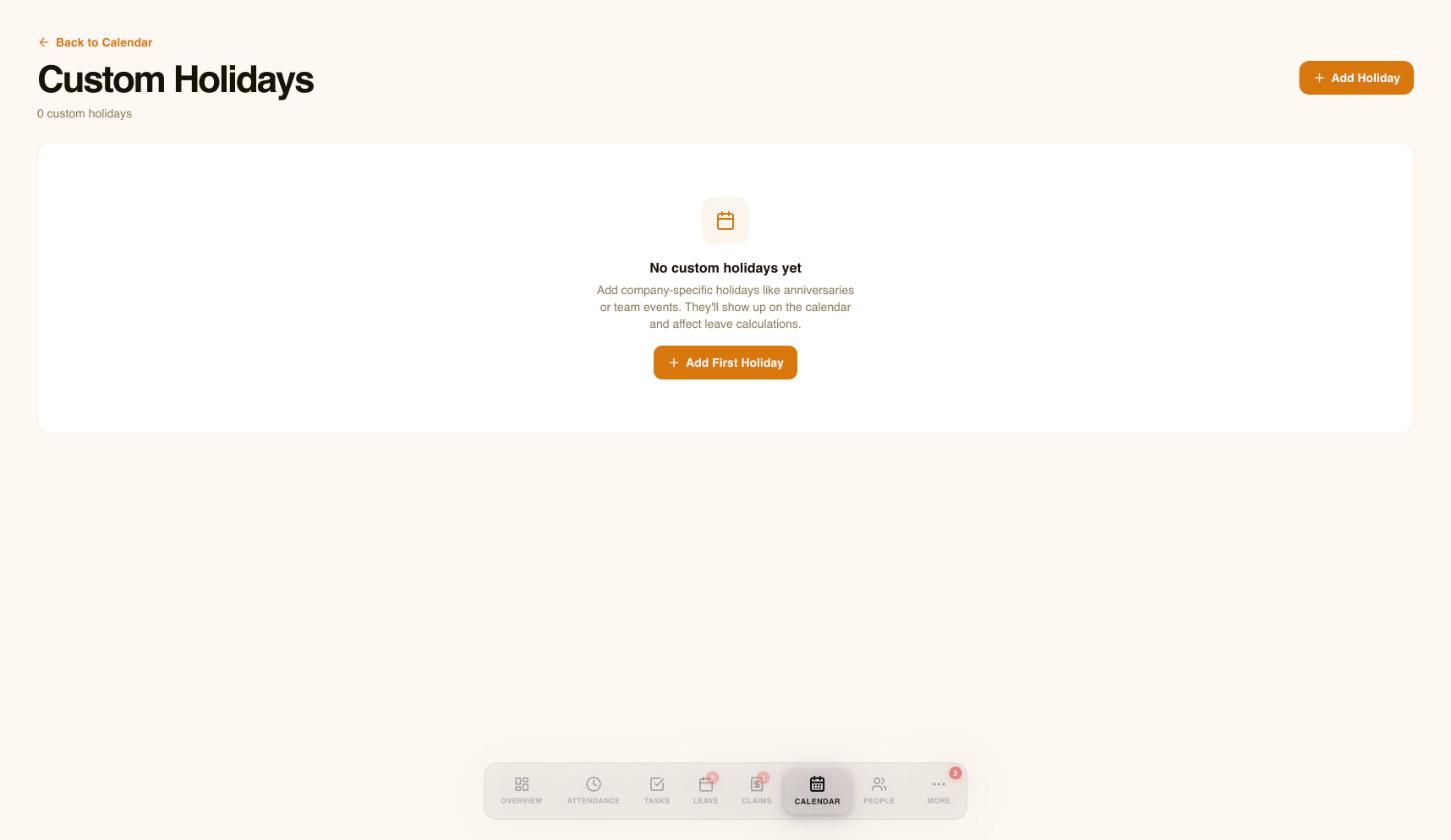
Add company-specific days off, such as an anniversary or a team event. They show up on the calendar and affect leave calculations.
 12
12- Add a company holiday.
- Custom holidays show on the calendar and affect leave calculations.
Need a hand?
Email my@workived.com and we will help you out.